


We tried to update our Azure Ad connect with the last version. When we try to logon with a Cloud Global Admin user with no mfa we have this message.

We have tried to start Azure Ad Connect with this parameter but the result is the same
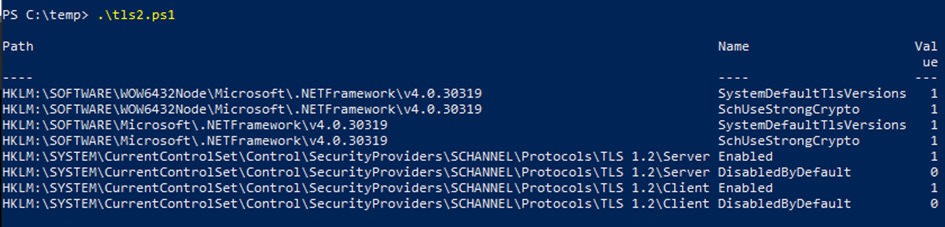
We have checked the Tls 1.2 option in our server and its look correct
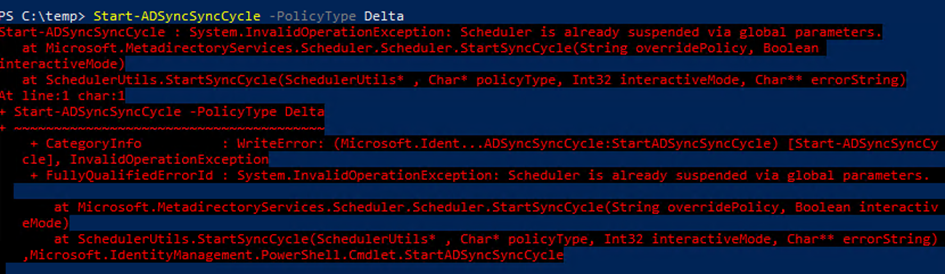
Azure ad connect is critical but can be stopped couple of hours. When we try to start a new cycle we have this issue.
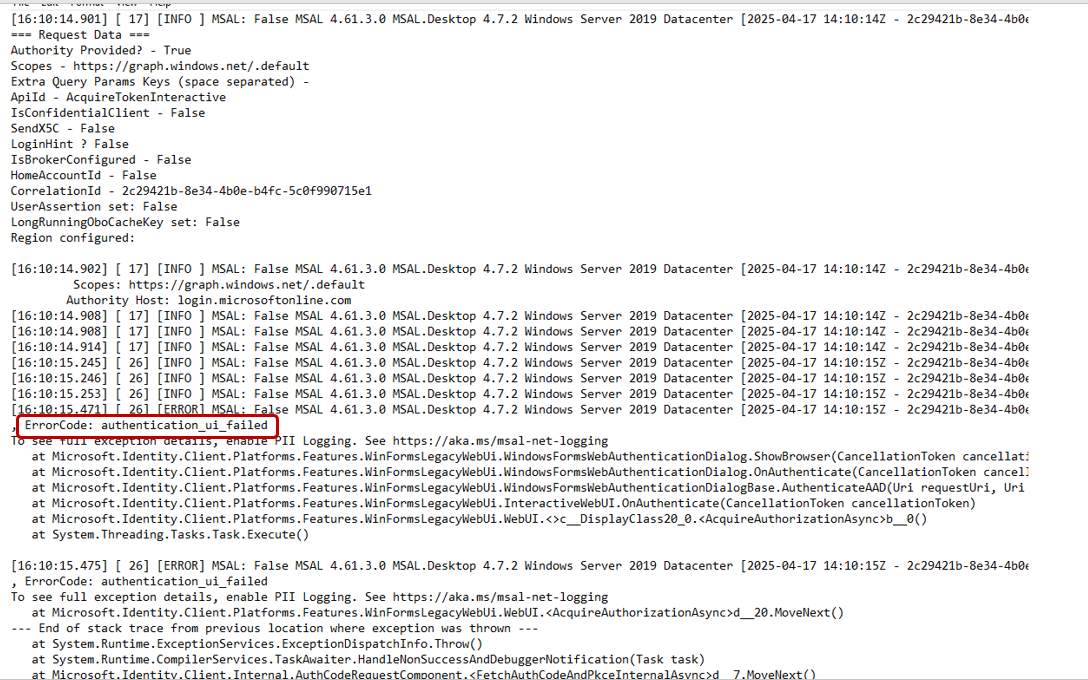
in the log we found this error
[15:10:20.680] [ 16] [ERROR] Authenticate-MSAL: unexpected authentication failure [authentication_ui_failed] – The browser based authentication dialog failed to complete. Reason: The server or proxy was not found..
we are currently checking with our network team
we change the proxy setting with a new correct value and we try again
but we have a new type of error message
Windows Server 2019 Datacenter [2025-04-17 13:27:19Z – 2eb8105b-0133-4743-9d5b-6ecf3391b549] Exception type: Microsoft.Identity.Client.MsalClientException
, ErrorCode: authentication_ui_failed
[15:27:19.681] [ 22] [ERROR] Authenticate-MSAL: unexpected authentication failure [authentication_ui_failed] – The browser based authentication dialog failed to complete for an unknown reason.
StatusCode: 200.
We saw that access to crl verification sites are not allowed by the proxy policy. Then we allow these sites on the proxy policy.
We assigned the role Hybrid Identity Administrator to the account used to connect to Entra through the Azure ad connect assistant and try again. -> Same Error.
After checkinng with the network teams, no url are blocked by the proxy.
15:46 PM : Restarting the server. new test -> same error.
16:04 PM Install Edge on the server on set Edge as the default browser and retry – > Same error
some additionnal informations
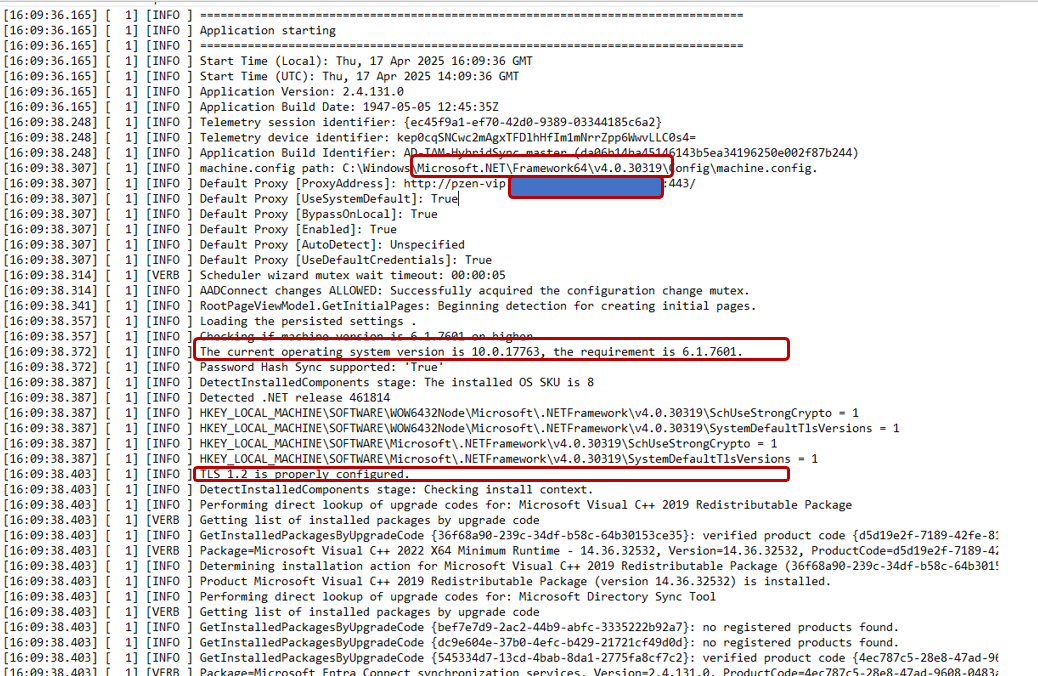
Installing .net Framework 4.7.2 because on the test environnement when we have tested the upgrade this version was required but
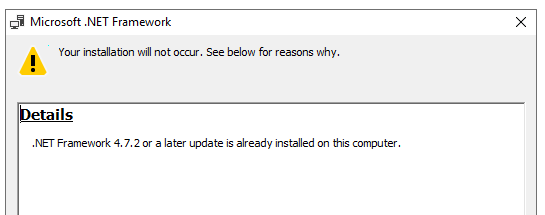
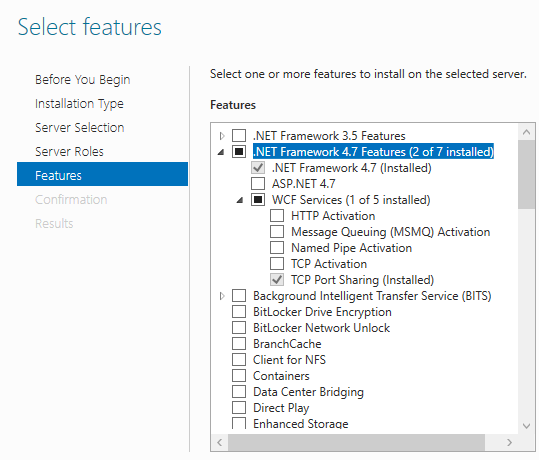
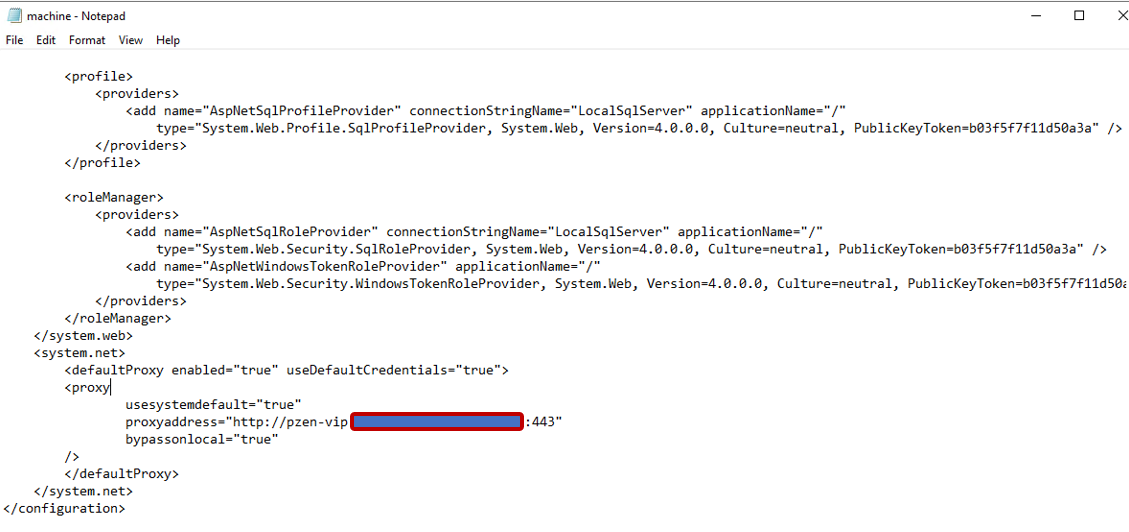
checking the C:\Windows\Microsoft.NET\Framework64\v4.0.30319\Config\machine.config file
the proxy configuration is correct in the machine config file
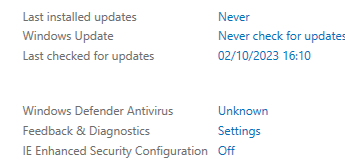
the Security IE Enhaced Security Configuration was also on Off
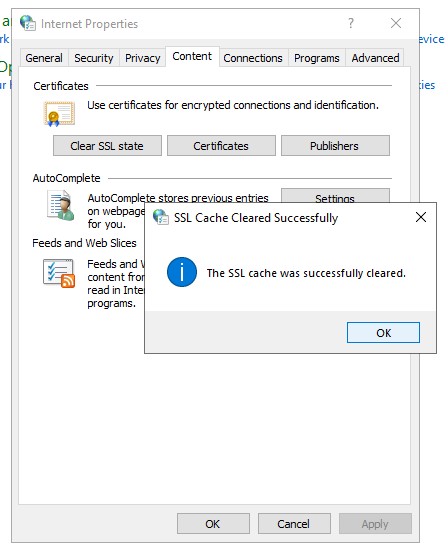
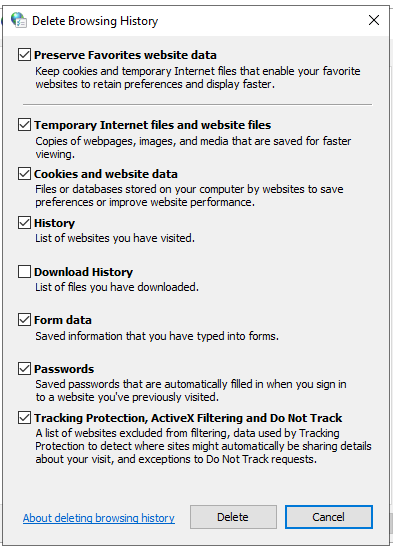
we clear the cache of the browser but the problem remains
SOLUTION
we found an very interesting option on internet properties. the TLS 1.2 was not checked.
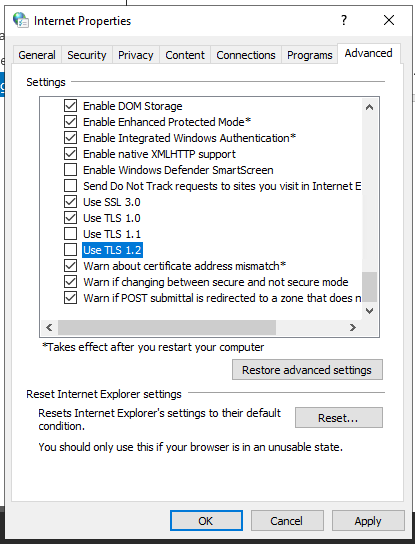
we checked the Tls 1.2 options and the authentication was successfull.
 Travailler ensemble