

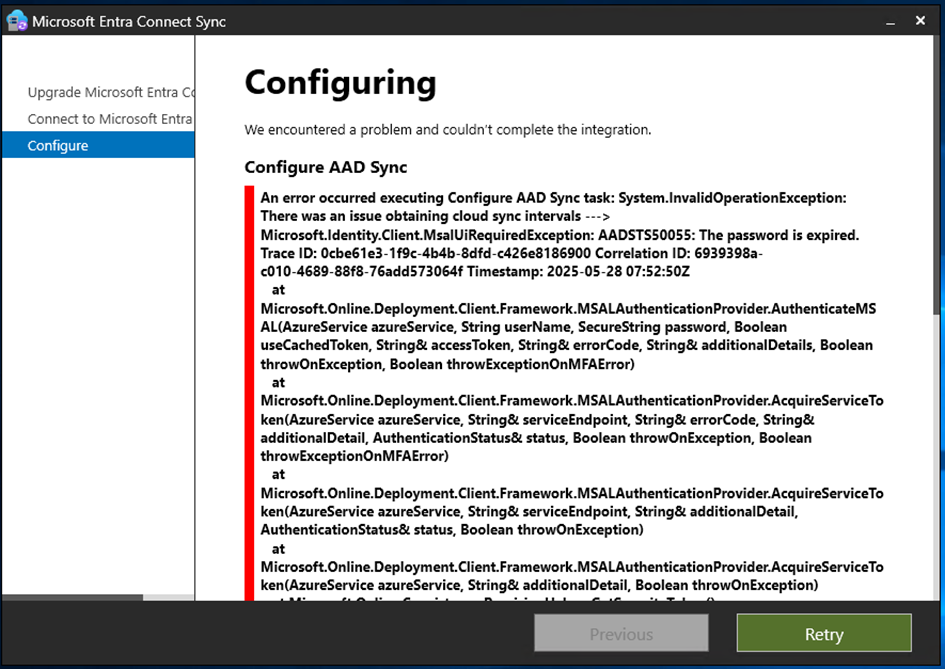
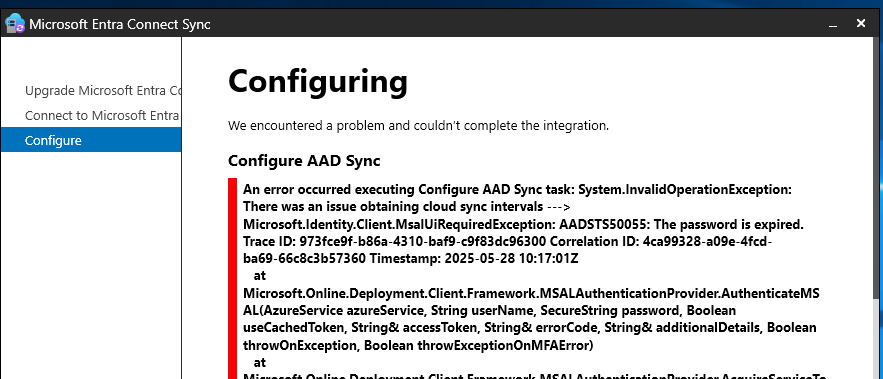
Ce matin je tente de mettre à jour Microsoft entra Connect avec les nouvelles versions et je me connecte avec un compte admin du tenant, et étrangement je rencontre cette erreur ci dessous. Je crée un compte spécifique, un nouveau compte global admin du tenant sans le MFA je ressaye et je rencontre la même erreur.
This morning I try to update Microsoft entra Connect with the new versions and I connect with a tenant admin account, and strangely I encounter this error below. I create a specific account, a new global tenant admin account without the MFA, I try again and I get the same error.
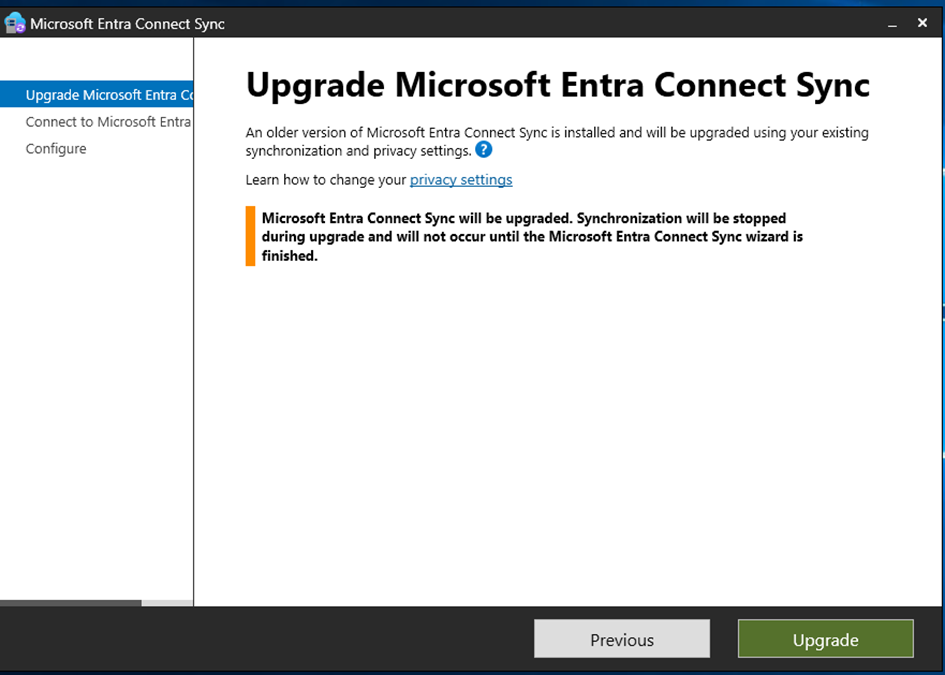
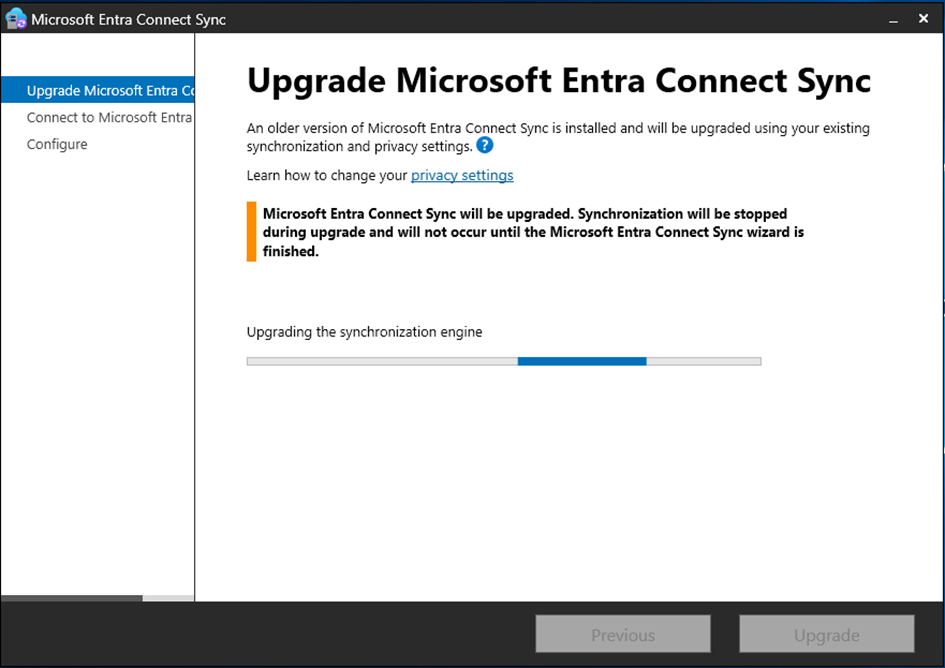
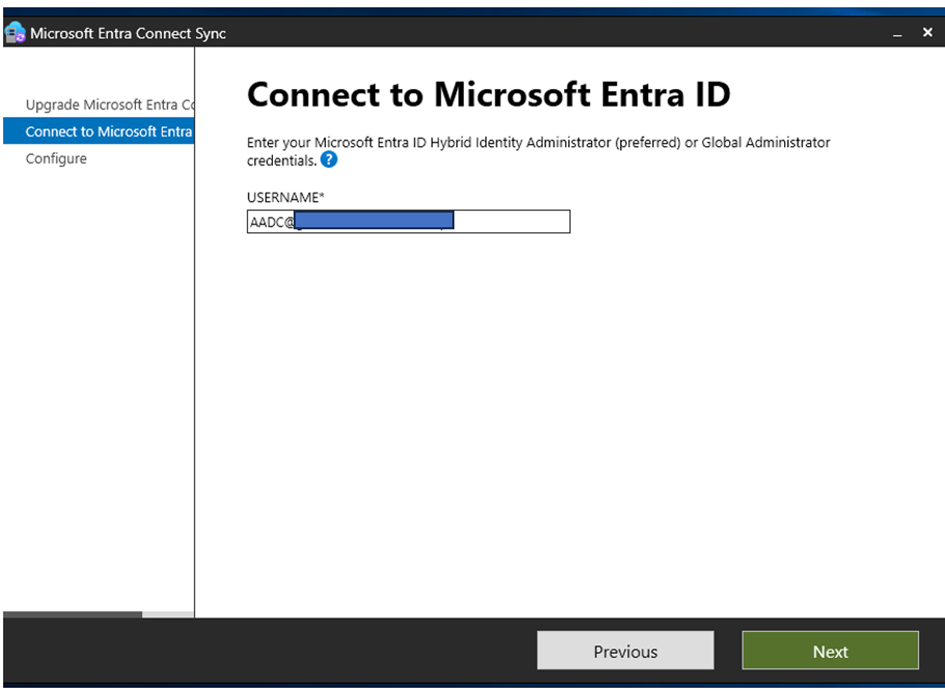
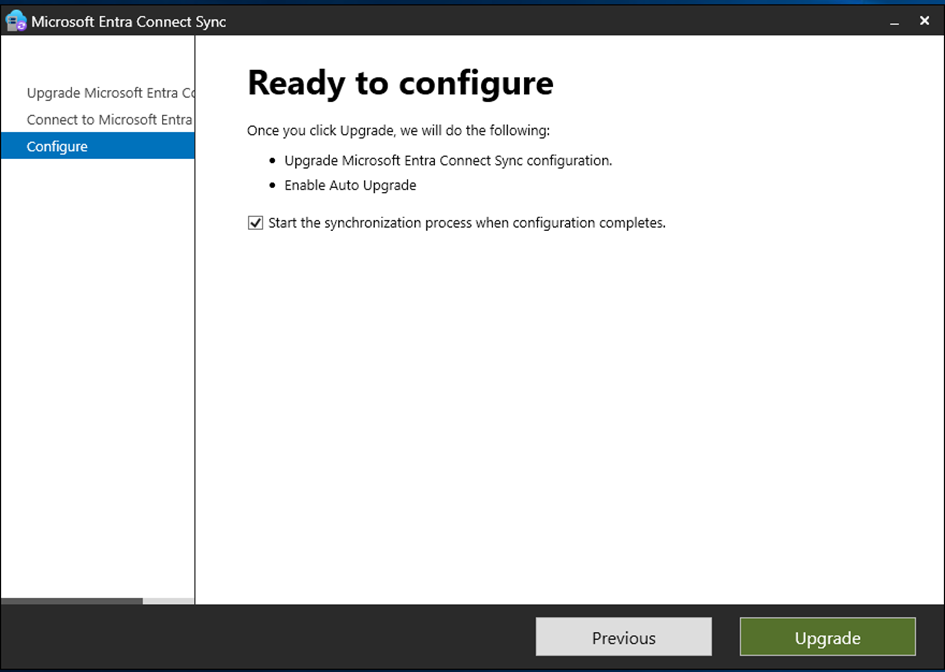
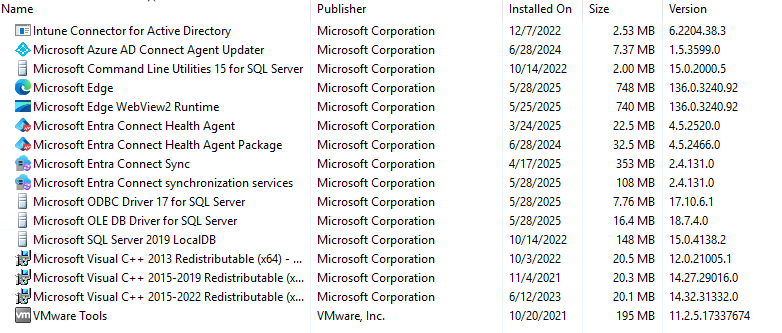
Programmes installés et version de Entra connect / Installed programs and version of Entra connect
MAI 28 2025 10:41 Paris Time : j’ouvre un case au support MS. et je met à jour le serveur Azure Ad connect sur lequel j’installe EDGE et le positionne en tant qu’explorateur par défaut. Je redemarre le serveur Azure Ad connect. Même erreur
I open an MS support case and update the Azure Ad connect server on which I install EDGE and set it as the default explorer. I reboot the Azure Ad connect server. Same error
Regle d’acces conditionnels : Off
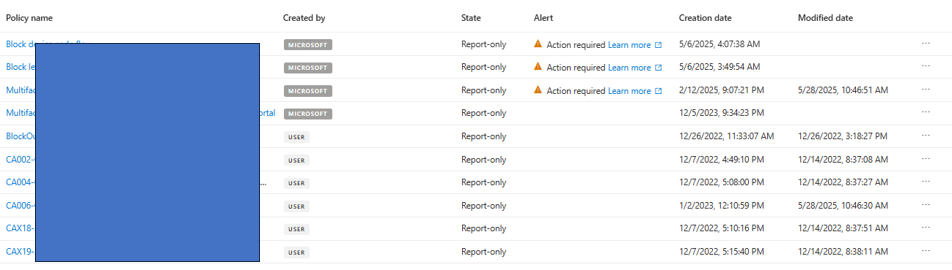
je positionne toute les régles d’accès conditionnels en report Only et je tente à nouveau : Même erreur
I set all conditional access rules to report Only and try again . Same error
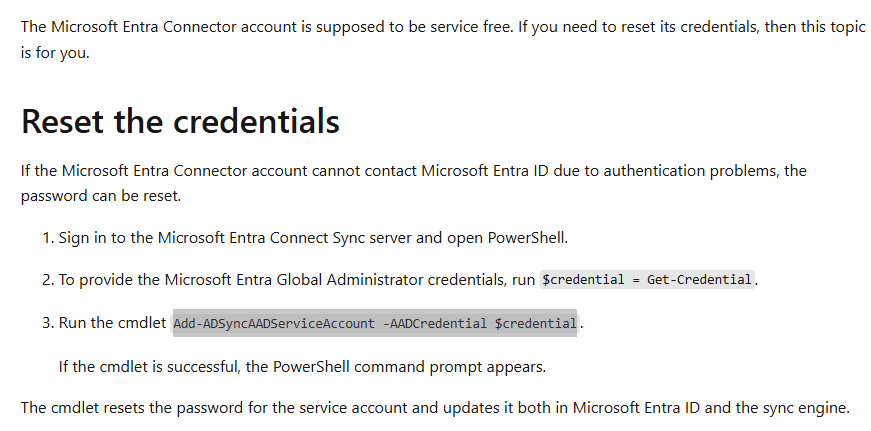
The Microsoft Support invite me to use this procedure : https://learn.microsoft.com/en-us/entra/identity/hybrid/connect/how-to-connect-azureadaccount
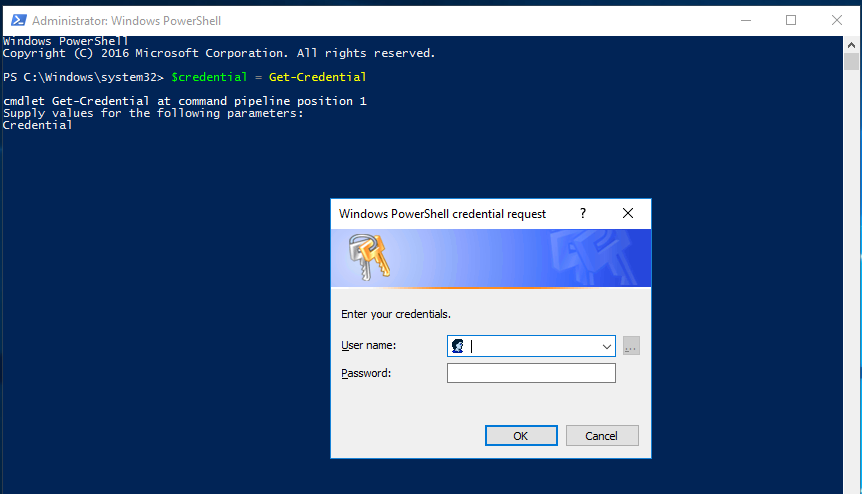
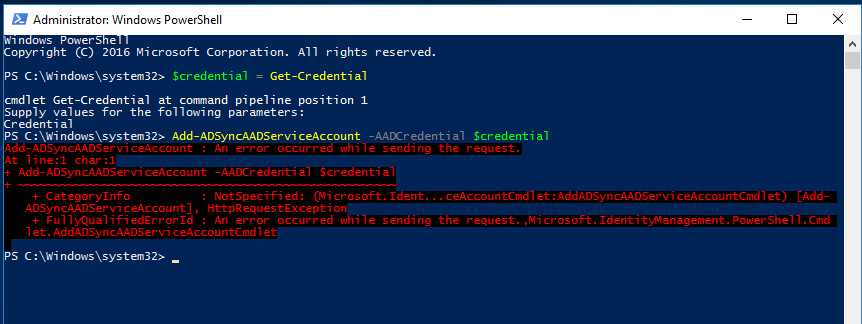
Le probléme semble provenir de la non activation du TLS 1.2. voir article The problem seems to stem from the non-activation of TLS 1.2. see article https://learn.microsoft.com/en-us/entra/identity/hybrid/connect/reference-connect-tls-enforcement#powershell-script-to-check-tls-12
j’active donc le TLS 1.2 je redemarre le serveur et j’essaye de nouveau / so I activate TLS 1.2, restart the server and try again

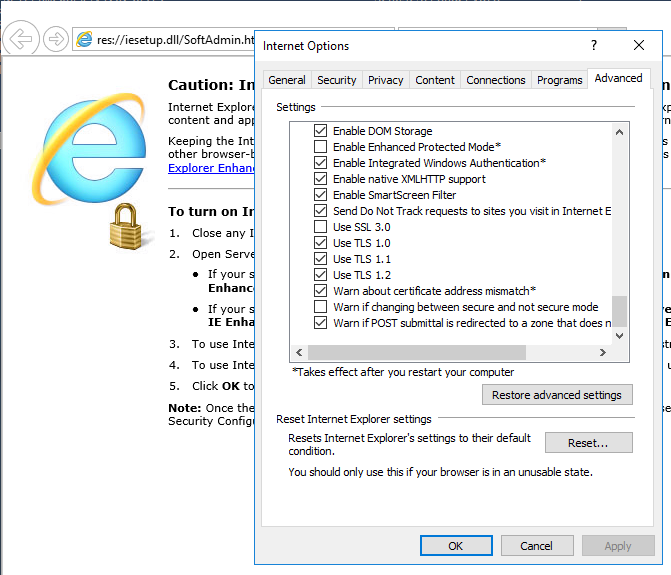
I try to reset IE settings and try again and set the proxy again (dont forget) but same error
I try to desactivate TLS 1.0 and Tls 1.1 on IE Settings and try again .. Same error
because now TL1.2 is ok i can change the password with Powershell in admin mode
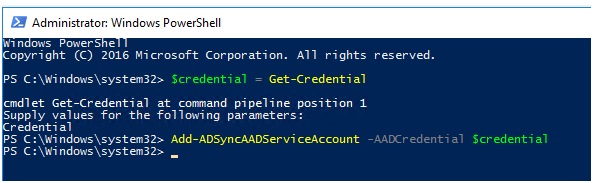
and ..
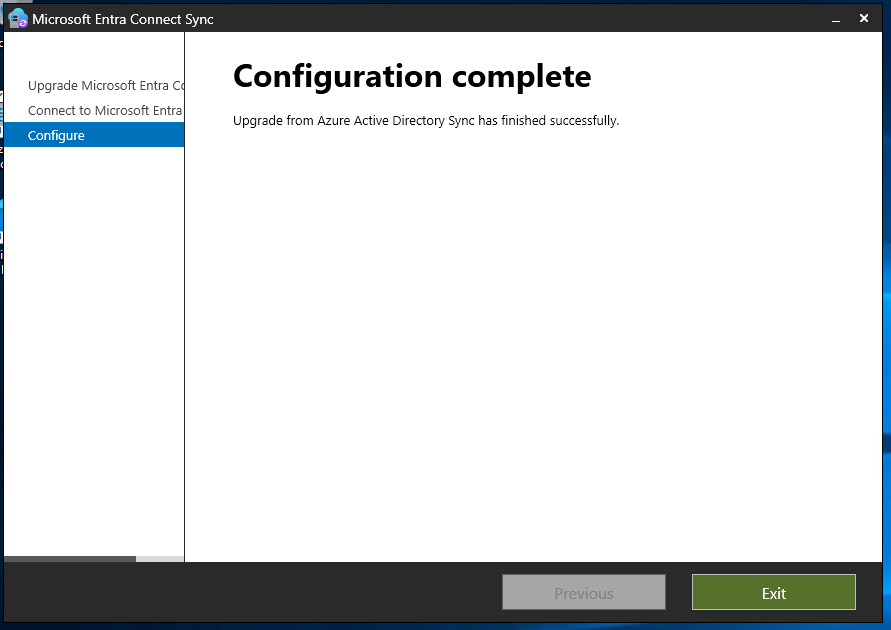
Thanks to Microsoft support !!
 Travailler ensemble